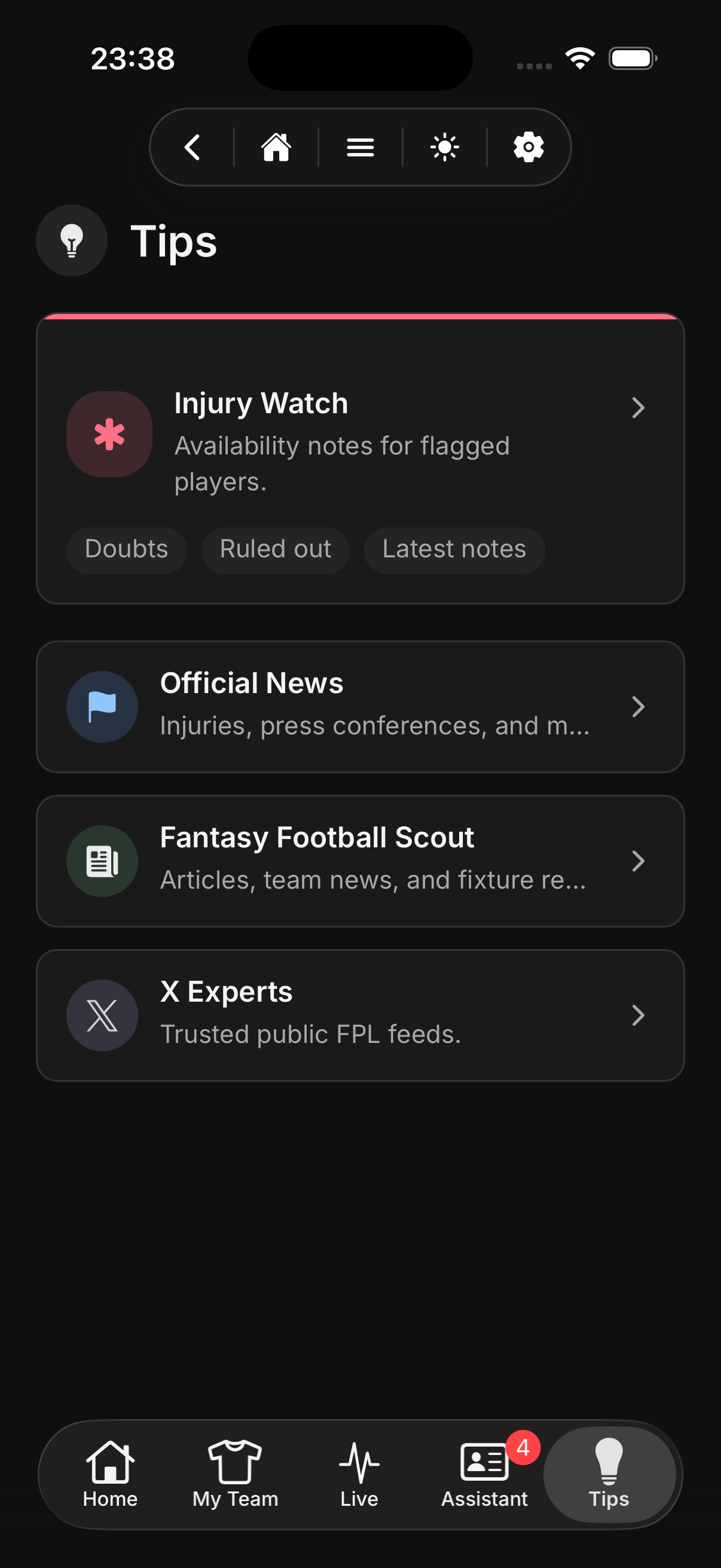
01Check tips
Start with the news that changes the gameweek.
Review injury notes, official news, trusted FPL feeds, and deadline context before you start making moves.
Meta FPL
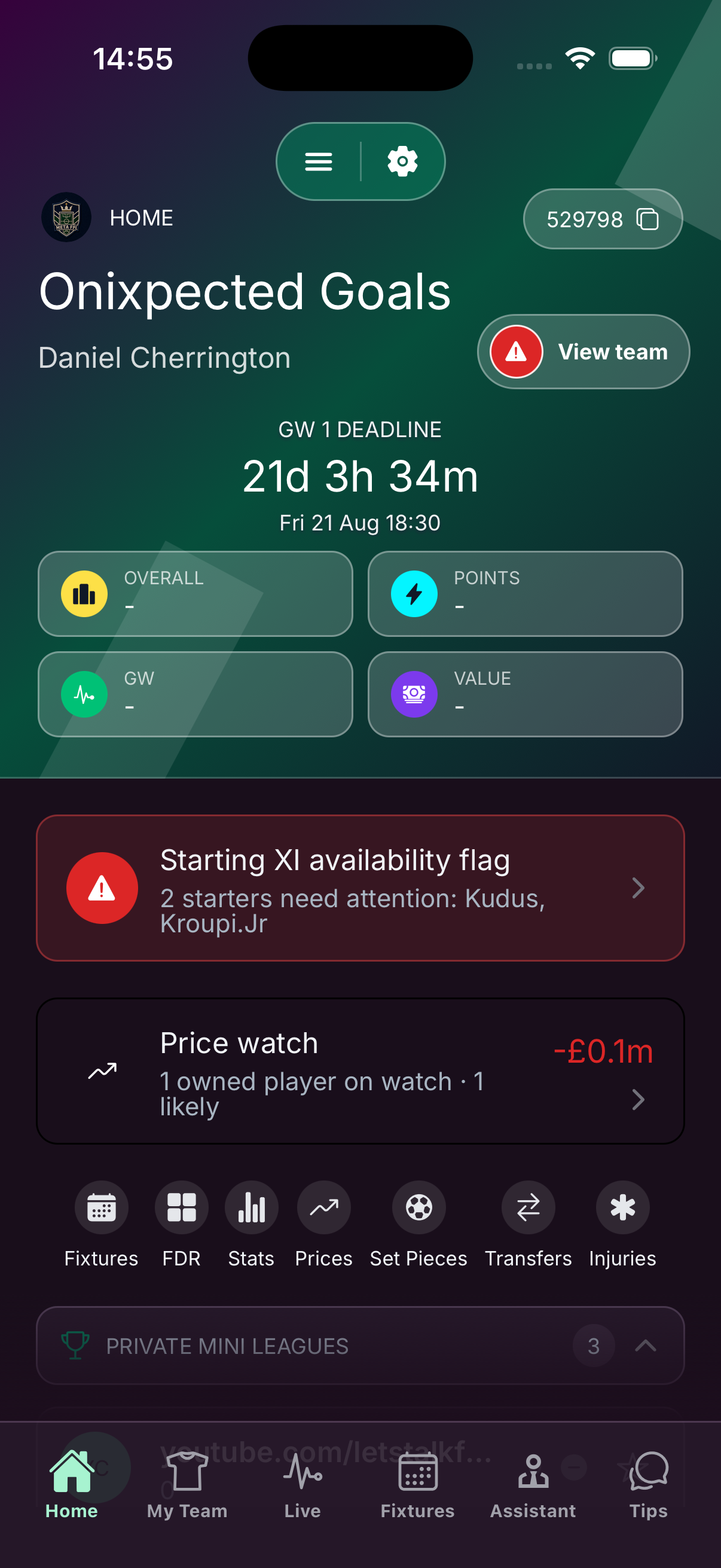
Meta FPL is a full replacement for the official FPL app. Do full team management here: transfers, your XI, captain picks, and live gameweek tracking, plus the team news, price changes, fixtures, and recommendations the official app leaves you hunting for.
Before / After
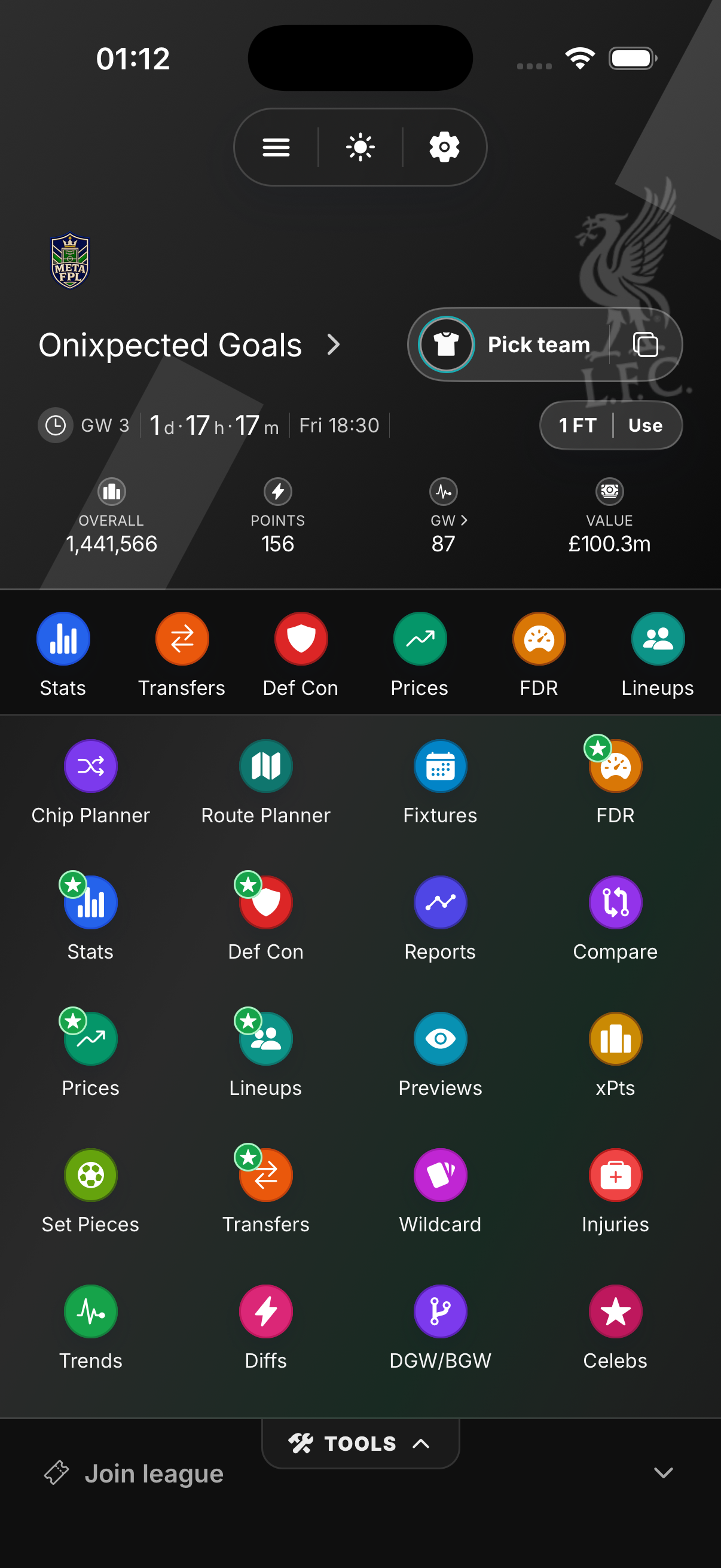
Stop hopping between the official site, social feeds, price predictors, lineup blogs, and news just to make a team. Meta FPL puts the full toolkit in one place.
Review injury notes, official news, trusted FPL feeds, and deadline context before you start making moves.
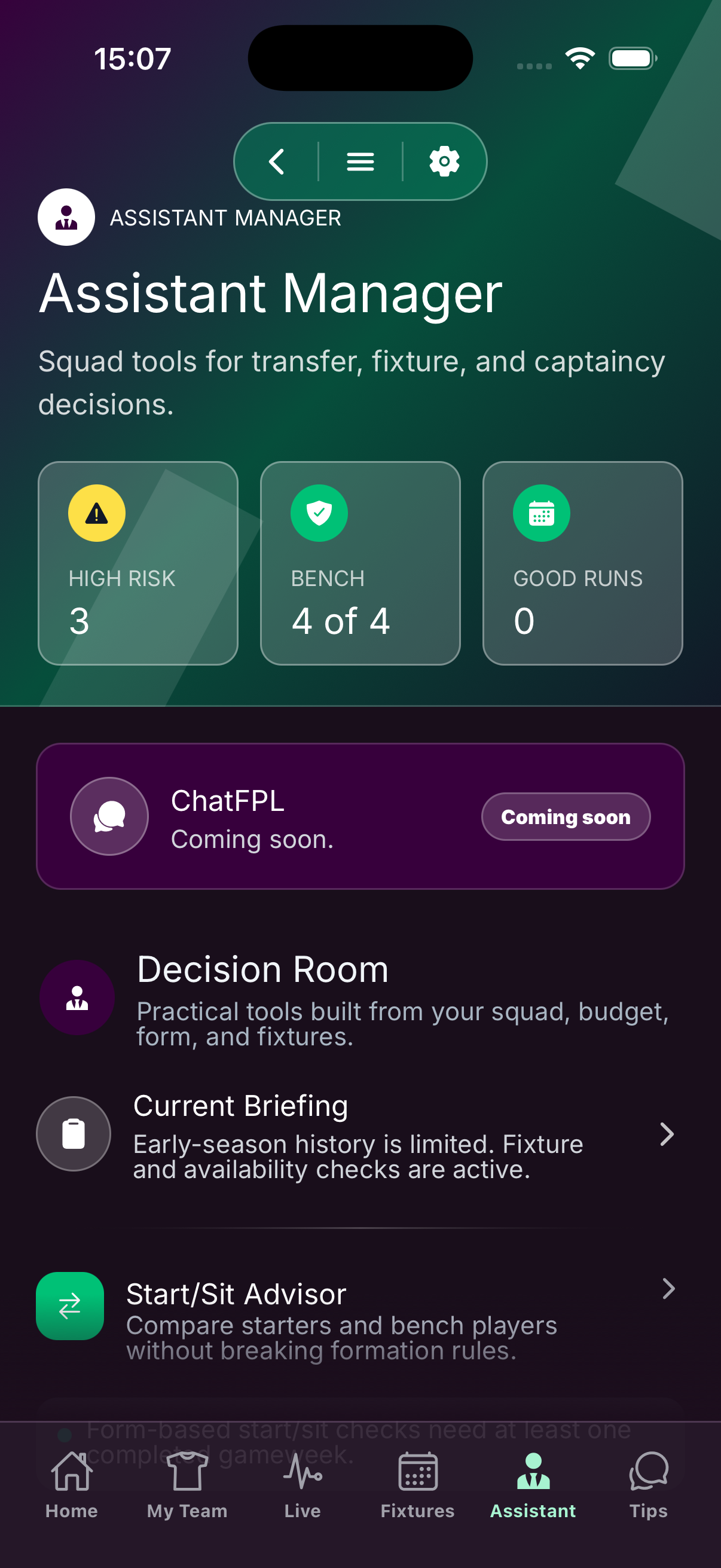
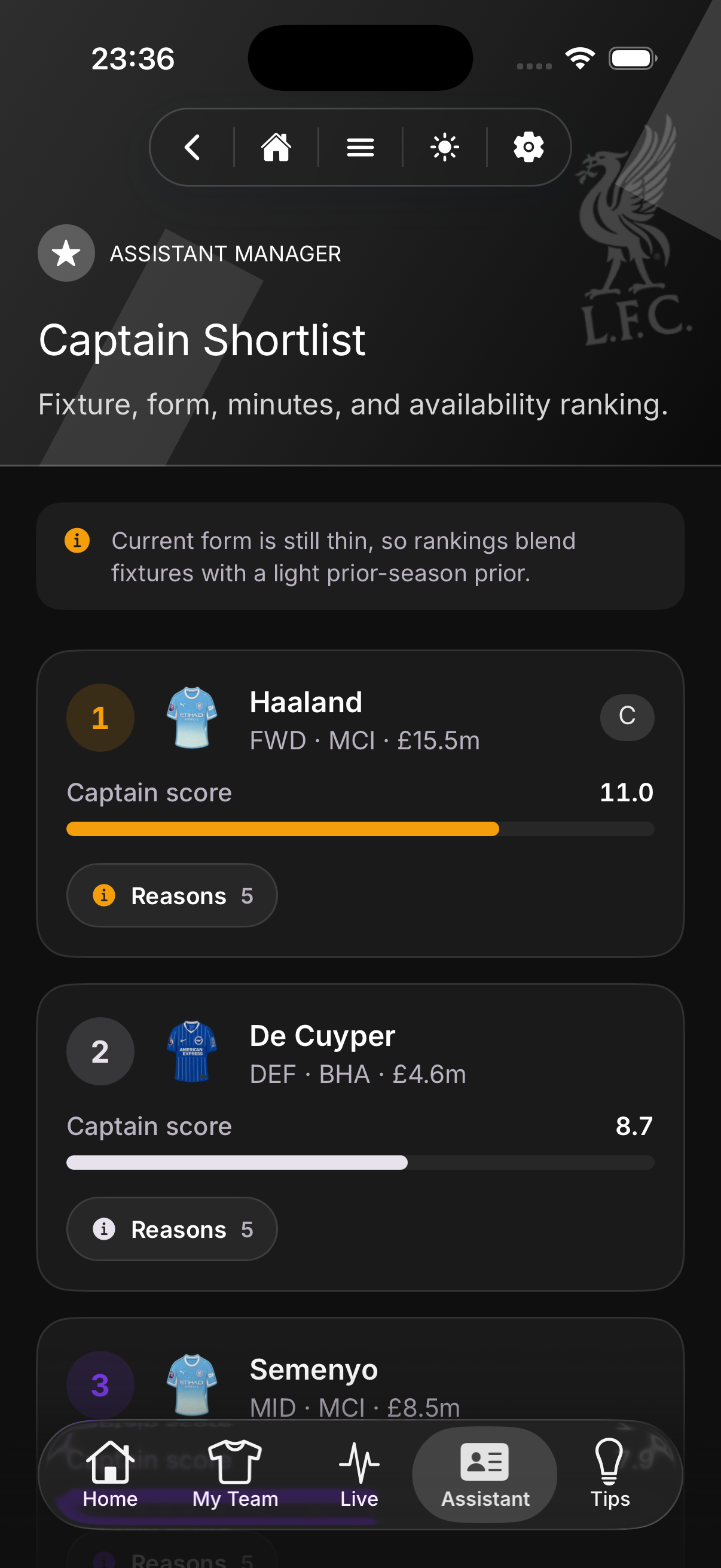
Use Assistant recommendations to spot captain options, transfer upgrades, risks, and fixture swings without building the whole case yourself.
Review upcoming opponents, kick-off timing, and fixture difficulty so every transfer, captain pick, and bench call has context.
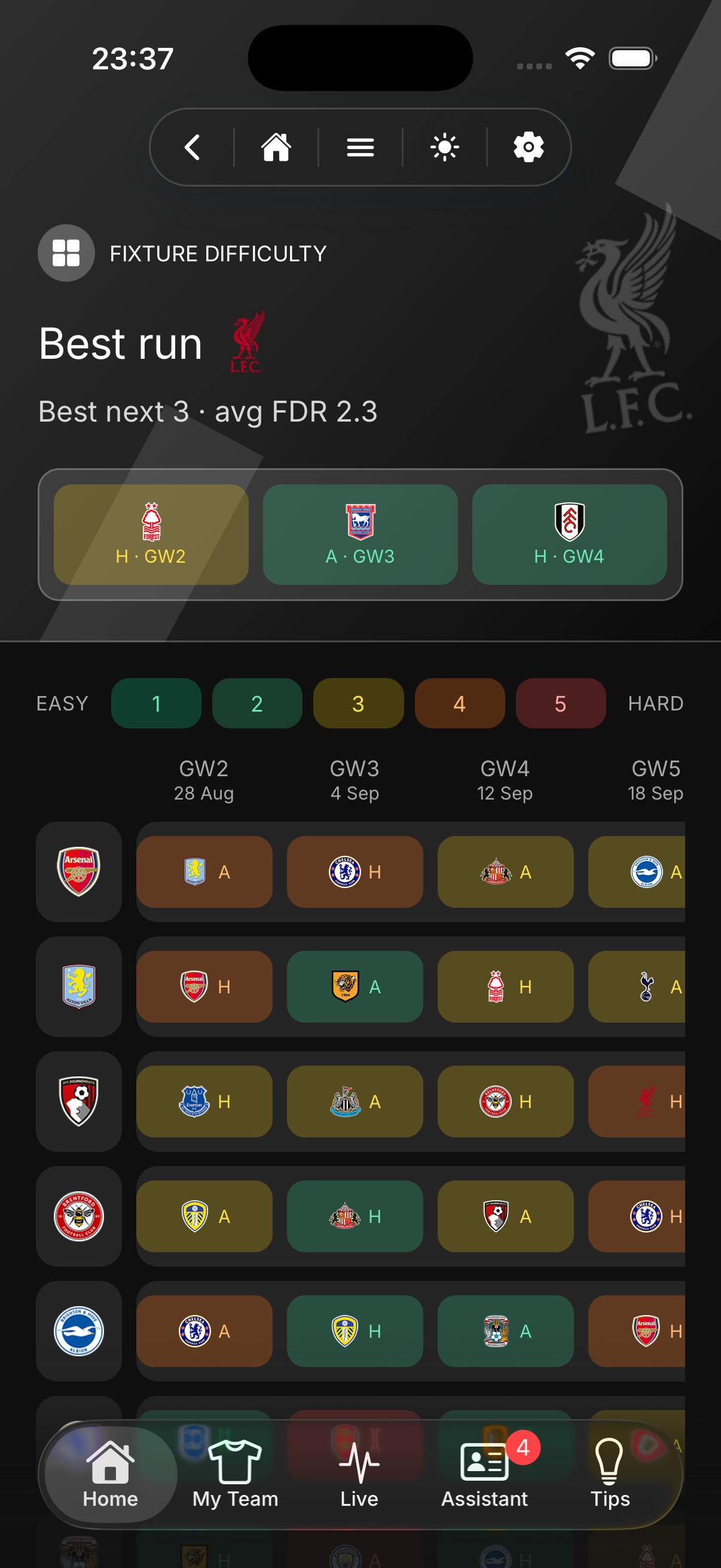
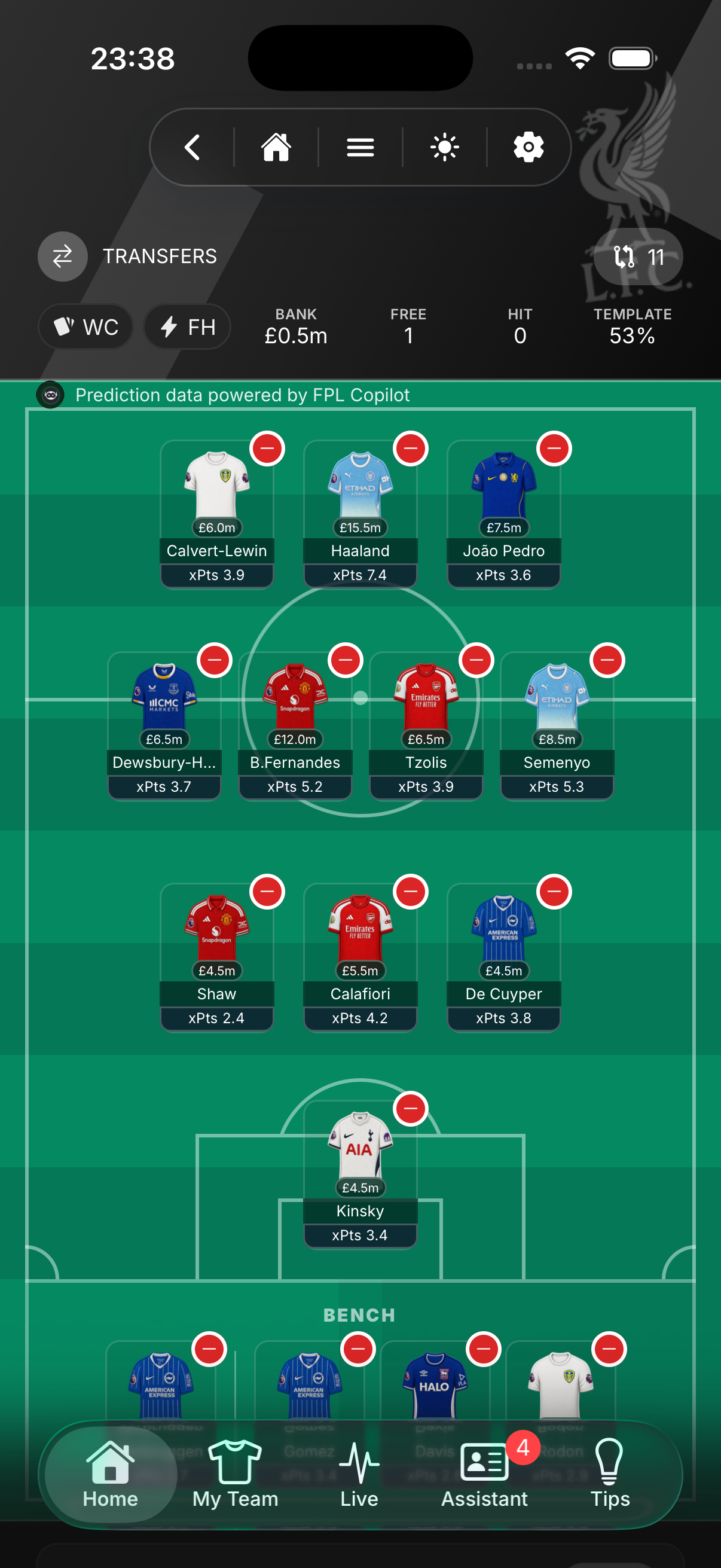
Compare the recommended move, check the reasons, then complete transfers in the app when you are ready to commit.
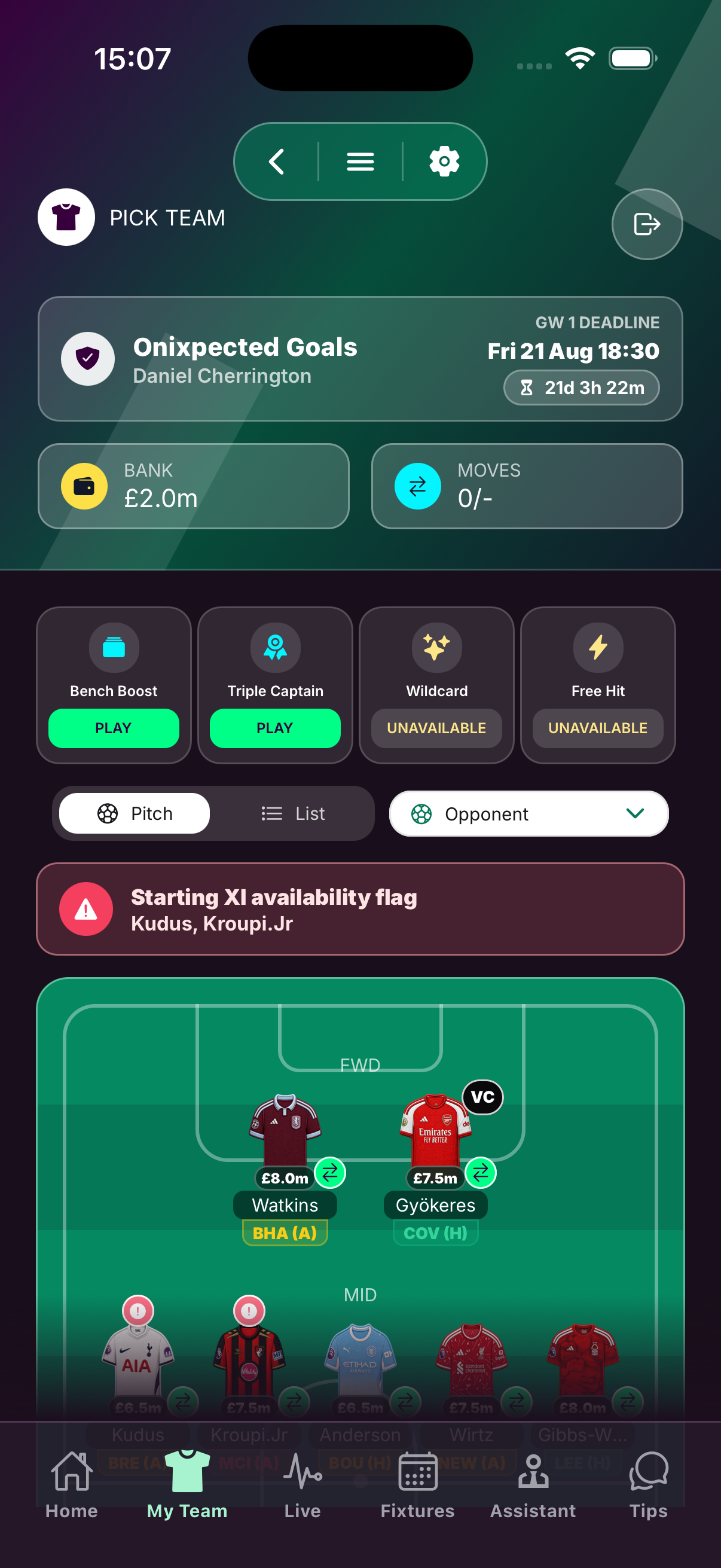
Move players between the pitch and bench, check flags and fixtures, and set up the team you actually want to start.
Pick your captain and vice-captain, confirm the order, and go into the deadline with the important actions done in one app.
After the deadline, follow live team points, mini-leagues, and rank movement while matches are being played.
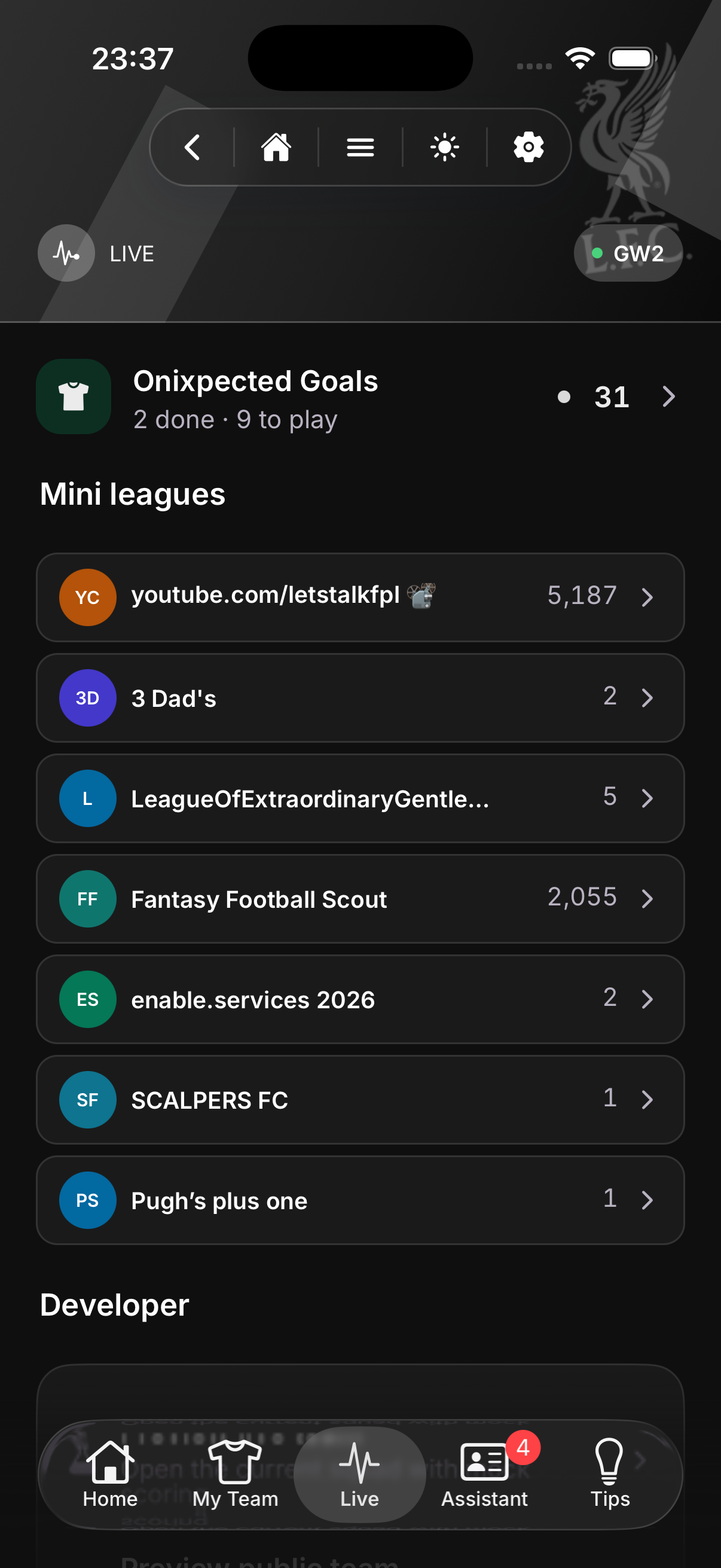
Track likely rises and falls after the gameweek so your next transfer plan starts before value moves against you.
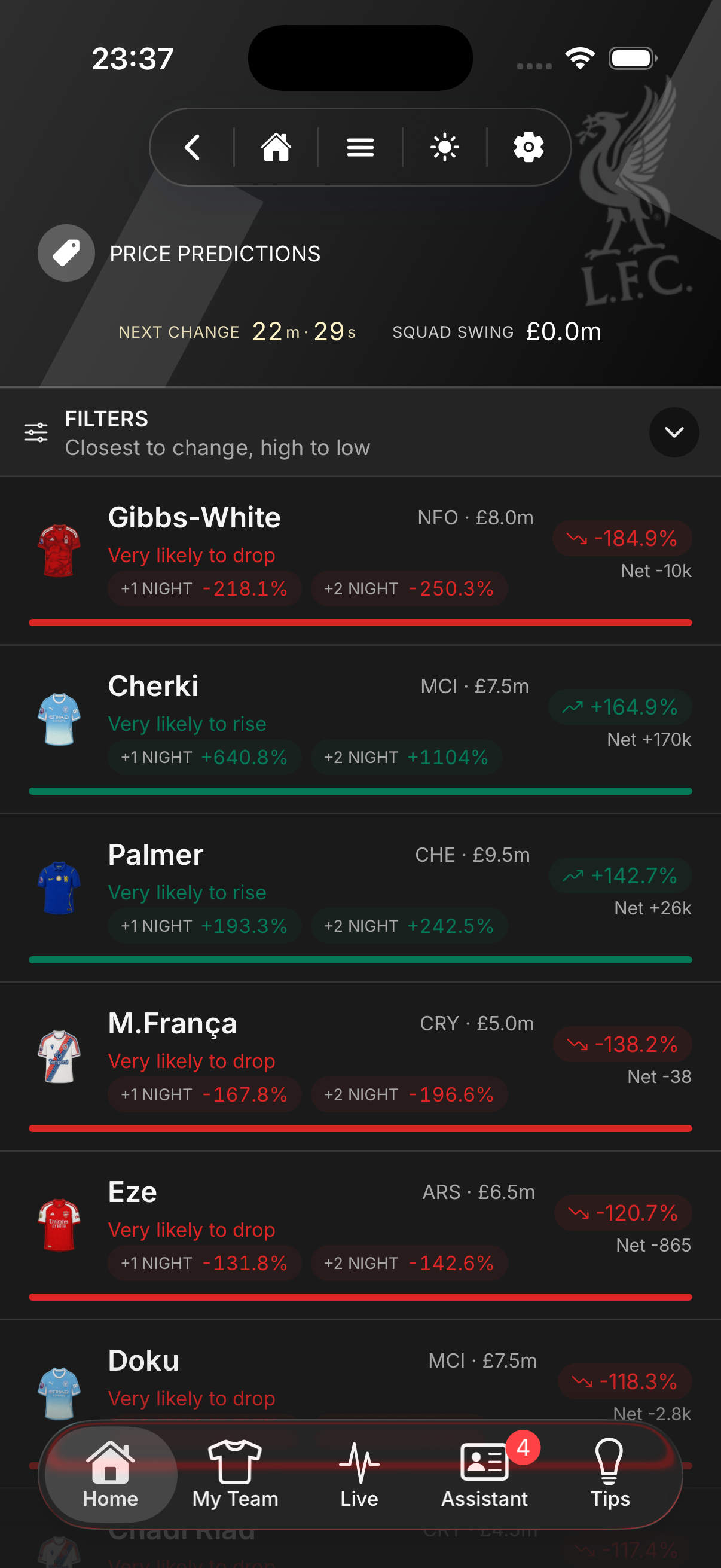
Once the team work, live tracking, and price planning all happen here, the extra app stops earning its place.

Save your team, check your flags, and go into the deadline without the usual panic.